你的截图,
按来源应用自动分组。Your screenshots,
grouped by where they came from.
打开应用,截图已经分好组了——小红书 42 张、微信 15 张、Chrome 9 张。不用打标签,不用手动整理。还能按截图里的文字搜索,识别在手机上完成。免费,无广告,不联网。Open the app and it is already sorted — 42 from Reddit, 15 from WhatsApp, 9 from Chrome. Nothing to tag, nothing to file. You can also search the words inside your screenshots; recognition runs on the phone. Free, no ads, no internet.

装上就好了,没有设置要填Install it. There is nothing to set up.
Android 13 及以上。免费,无广告,无内购。Android 13 and later. Free, no ads, no in-app purchases.

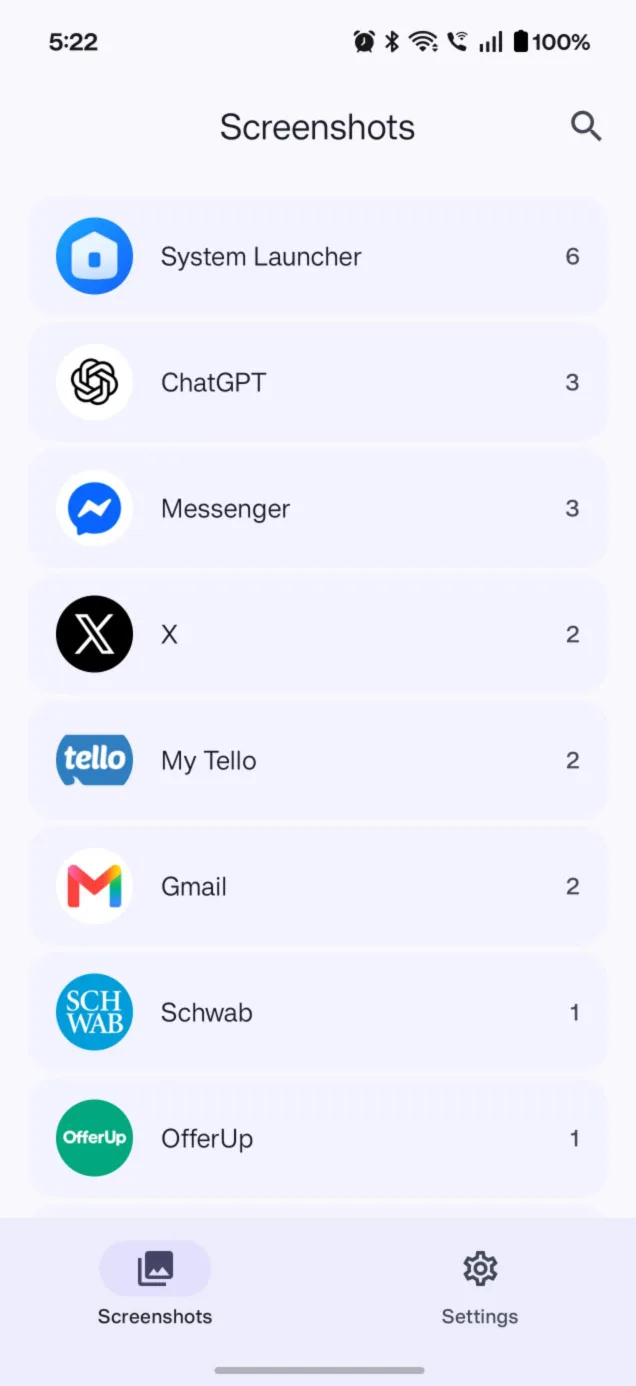
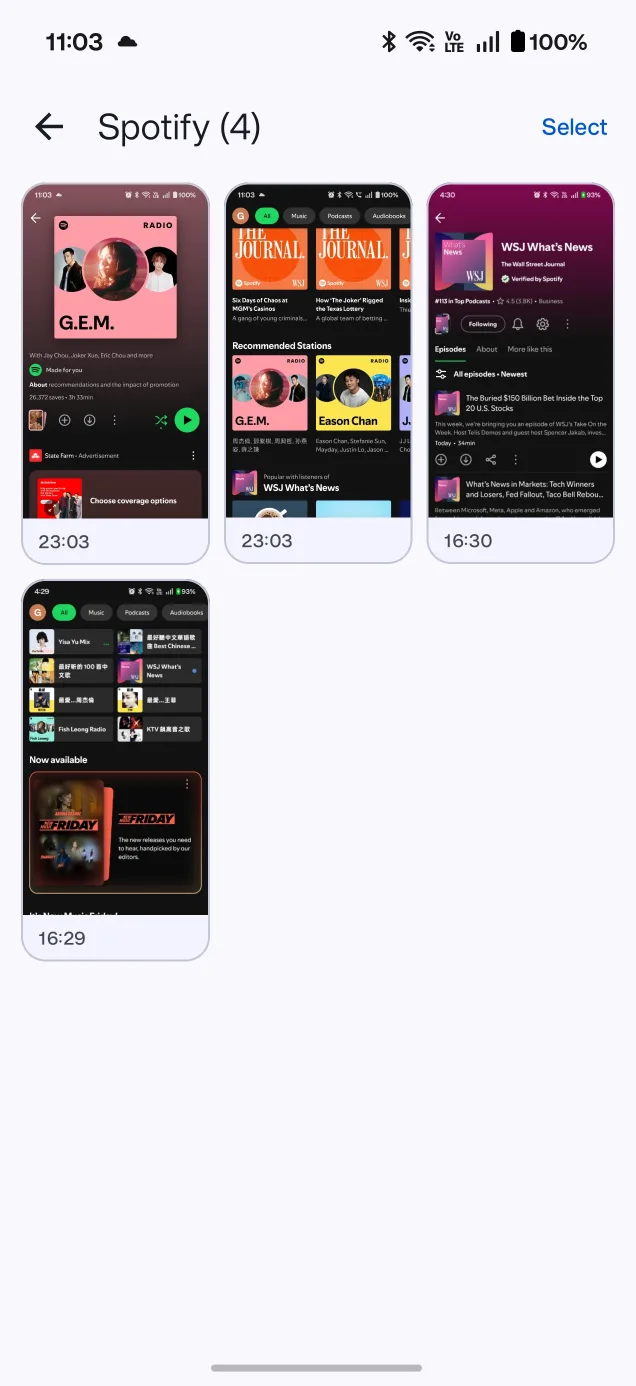
按来源分组,全自动Grouped by source, automatically
你找截图时想的是「那张是我在小红书上截的」,不是「那张是 3 月 14 号截的」。系统相册只按日期排,而按来源分组正好是它没做、又能全自动完成的那一维。When you look for a screenshot you think "that one was from Reddit", not "that one was March 14th". Your gallery only sorts by date. Source is the one dimension it leaves out — and the one a phone can fill in by itself.
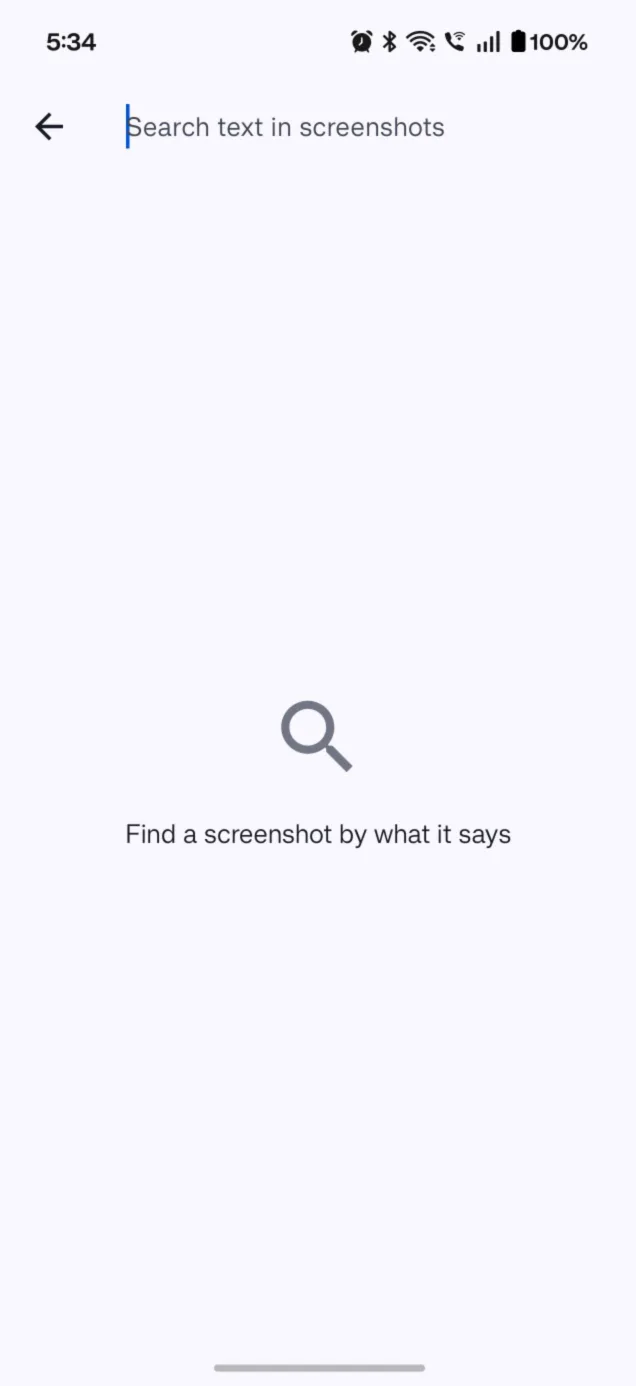
按截图里的文字搜Search the words inside
「那张写着 airbnb 的」——中英文都能搜。文字识别在手机本地跑,没有为此新增任何权限,也没有新增任何网络访问。"The one with airbnb written on it." Chinese and English alike. Text recognition runs on the device — it added no new permission and no network access whatsoever.
连网络权限都没有No internet permission at all
不是「我们承诺不上传」,是这个应用根本没申请 INTERNET 权限,技术上传不出去。构建时有一道校验守着这件事:权限一旦回来,打包直接失败。Not a promise not to upload — the app never requests the INTERNET permission, so it cannot. A build-time check guards that: if the permission ever reappears, packaging fails outright.
它怎么知道这张图是从哪儿来的How it knows where a screenshot came from
没有猜,也没有看图片内容。截图产生的那一刻,应用查一次当时在前台的是哪个应用,把结果记进本地索引,然后就把使用记录丢掉——不保存,不画像,不上传。No guessing, and it does not look at the picture. At the moment a screenshot appears, the app checks once which app was on screen, writes that answer into the local index, and drops the usage record — nothing stored, nothing profiled, nothing sent.
截图You capture
你照常按下音量下 + 电源。应用在后台,不需要你打开它。You press volume-down and power as usual. The app is in the background; you don't have to open it.
归位It files itself
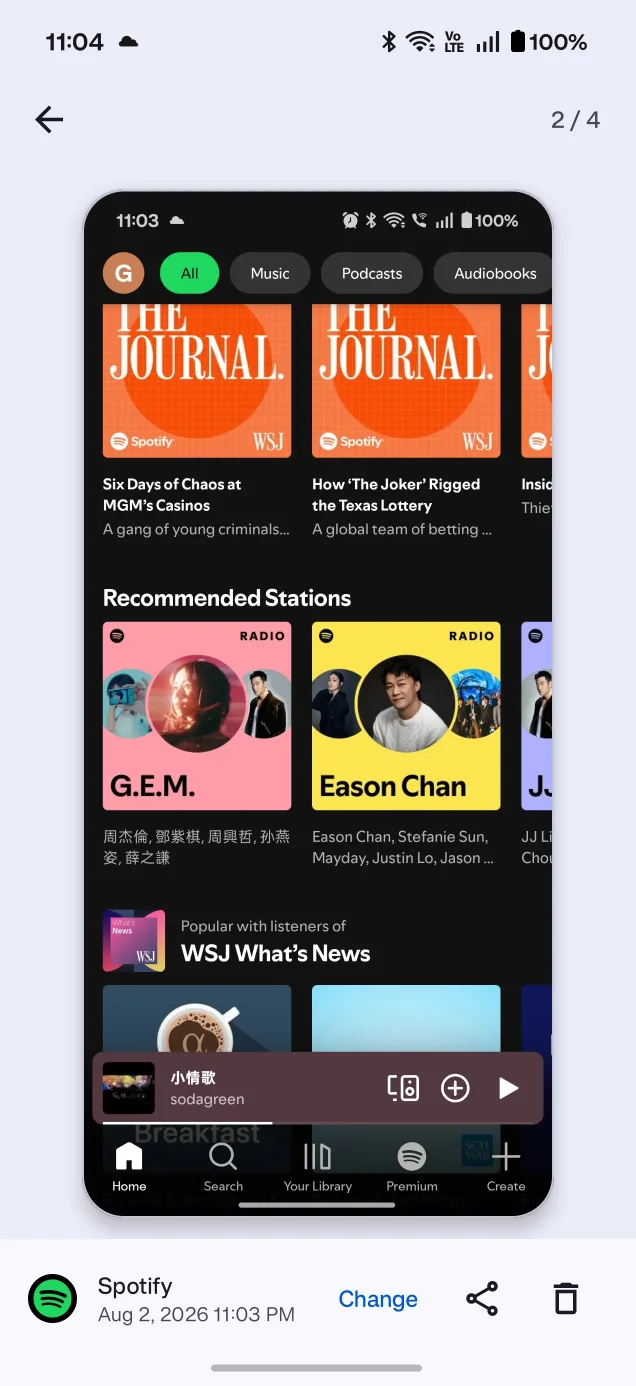
来源应用当场判定,存进 Room 索引。判错了,在大图页点一下「改」就行,改过的永远不会被重算覆盖。The source is resolved on the spot and stored in a local index. Got it wrong? One tap in the full view fixes it — and a correction is never overwritten by a later re-scan.
卸载之后照样对It survives an uninstall
应用名称和图标只在包还装着时拿得到,所以每次查到就顺手存一份几 KB 的快照。卸载了那个应用,它的截图分组仍显示正确的名字和图标。A name and icon are only available while the package is installed, so each successful lookup is cached in a few kilobytes. Uninstall the app and its screenshots still carry the right name and icon.
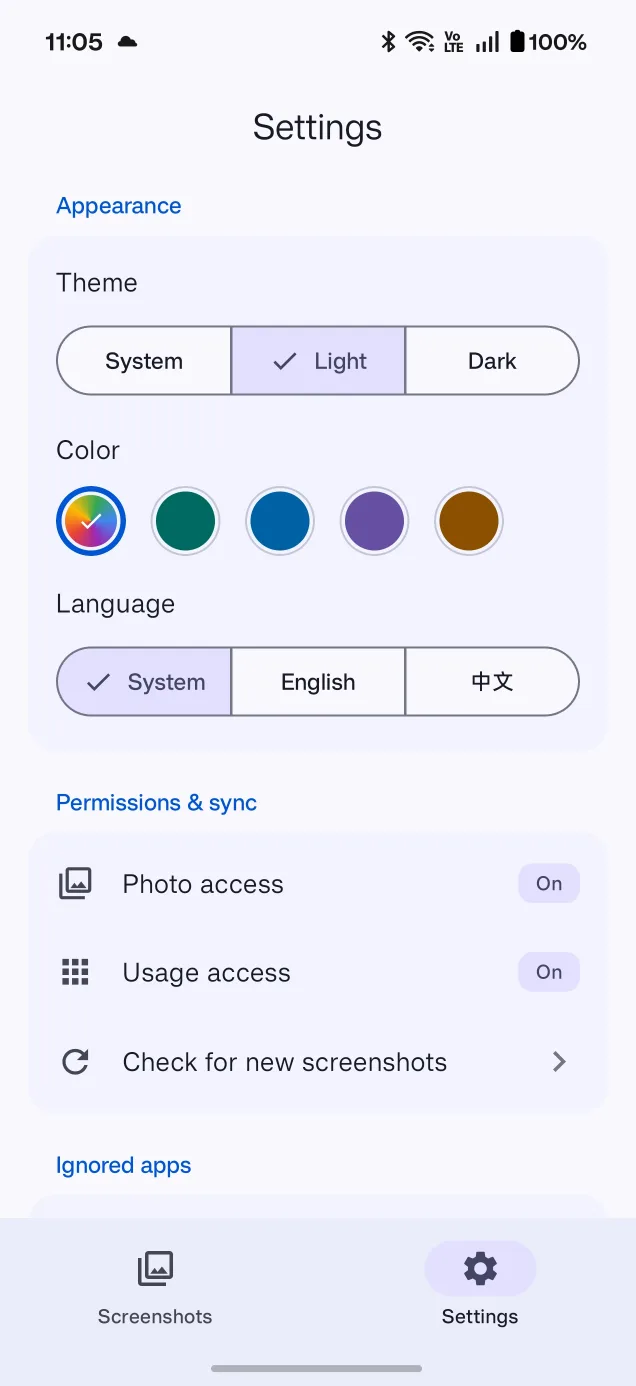
使用情况访问权限是可选的。不给也能用,只是来源会显示为「未知」,按月浏览照常。安装应用之前的历史截图单独放一处,可以按月份翻。Usage access is optional. Without it the app still works — sources just read as unknown, and browsing by month still does. Screenshots taken before you installed the app live in their own section, browsable by month.
让截图重新变得好找Make your screenshots findable again
没有 AI,没有云端,没有订阅,没有账号。只做一件事。No AI, no cloud, no subscription, no account. It does one thing.